Assign the right person
Choose active workspace staff when planning Tasks; Project and date filters do not remove assignable people from search.

Both plans
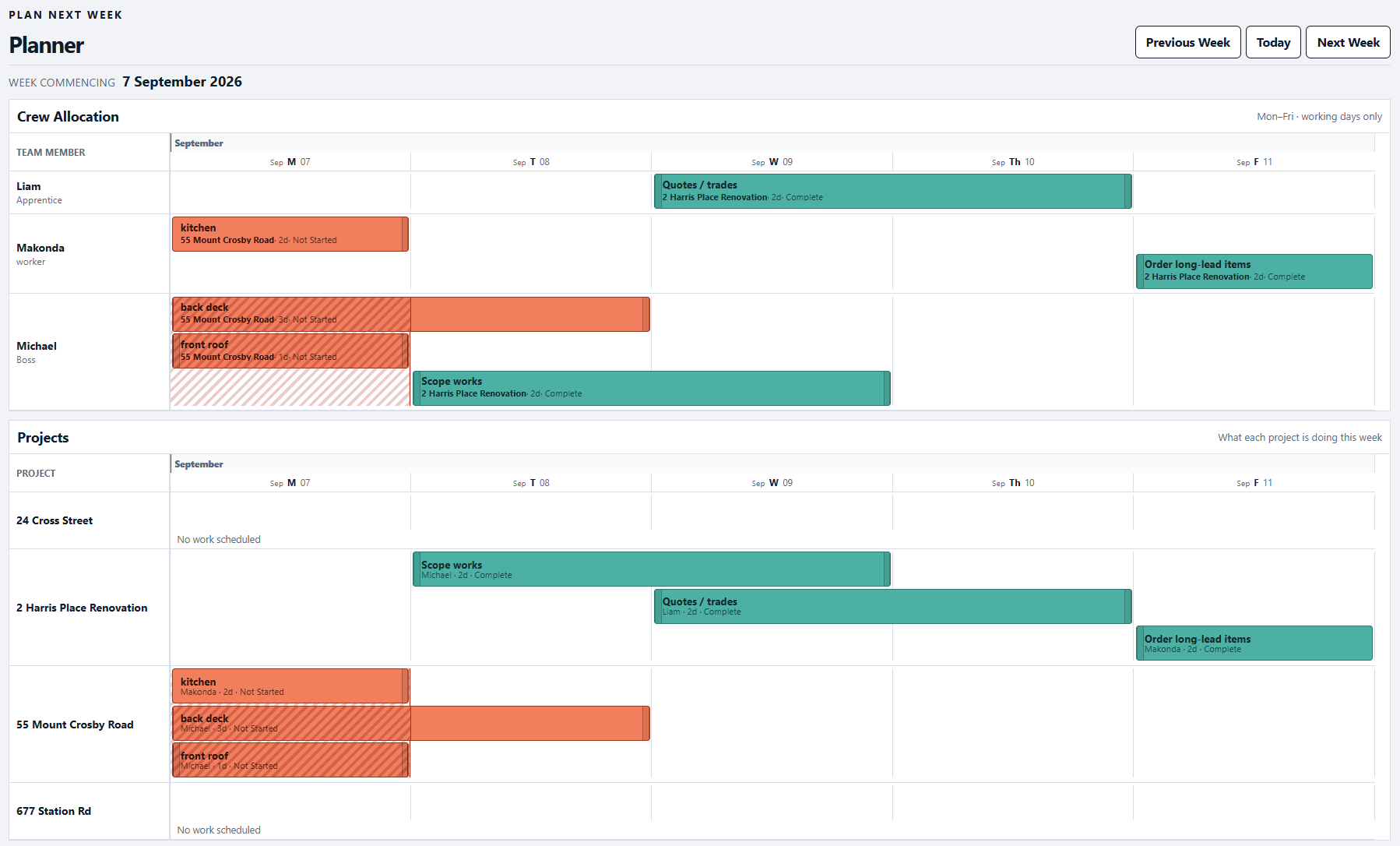
Keep Staff records and Project Task assignments visible so the owner can coordinate work with the right people.
For owners coordinating staff and Project work in one workspace.
Record active employees and their working defaults.
Choose active staff on Tasks and review who is assigned in the Project and Schedule views.
Update assignments as the work changes; Staff records remain separate from account access.
Crew allocation and planned work.
In practice
Choose active workspace staff when planning Tasks; Project and date filters do not remove assignable people from search.
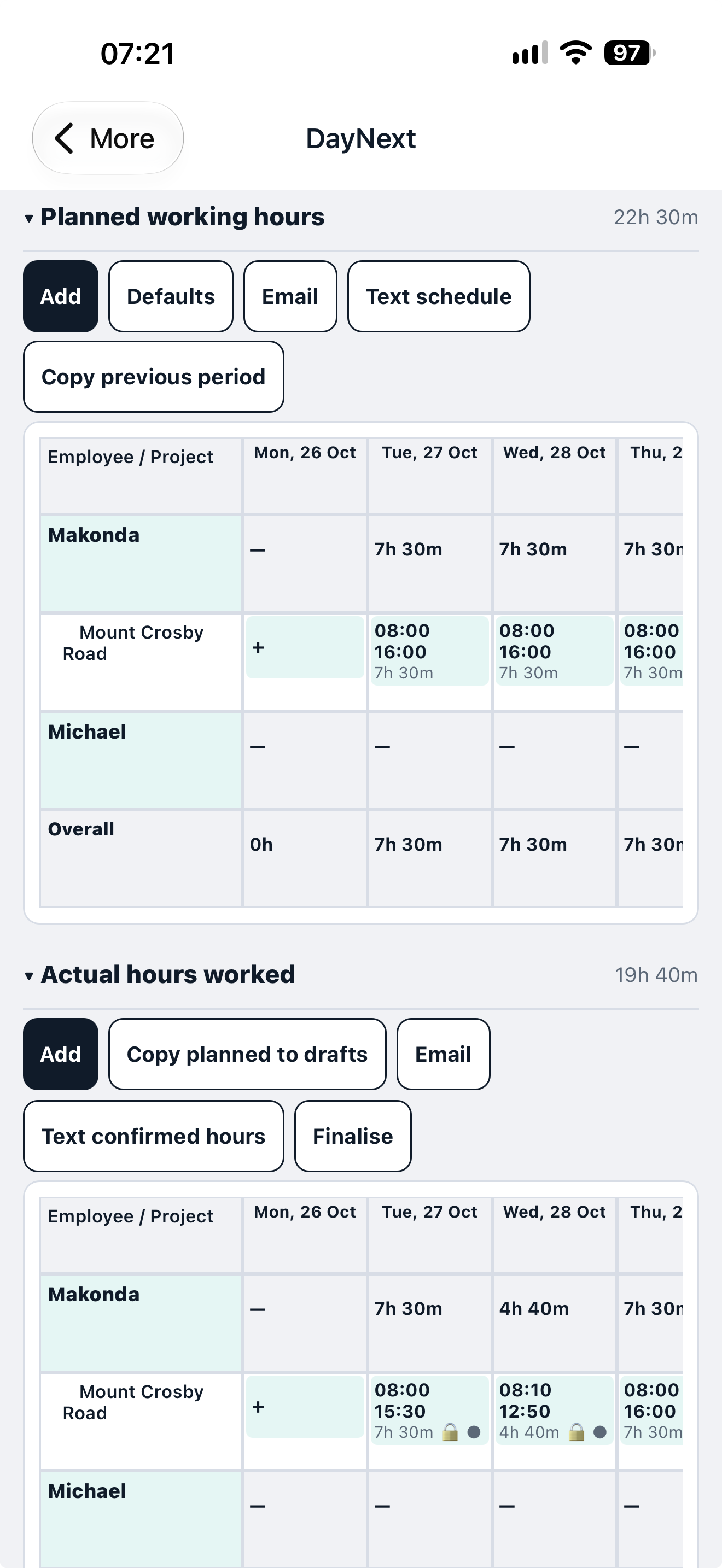
A Staff record can be scheduled and assigned without creating a user account or changing login permissions.
Yes. Staff is included in both paid plans and their trials.
No. A Staff record and Task assignment do not grant a separate DayNext login.
Both plans