Work stays connected
Open a Task to review its dates, assigned person, Items and costs without losing the Project work plan.

Both plans
Organise Projects, Stages and Tasks, then review schedules, progress and Cost Control beside the work.
For renovators, builders and small teams coordinating work that changes as a project moves forward.
Create a blank Project or apply a reusable Template, then set its target dates and budget.
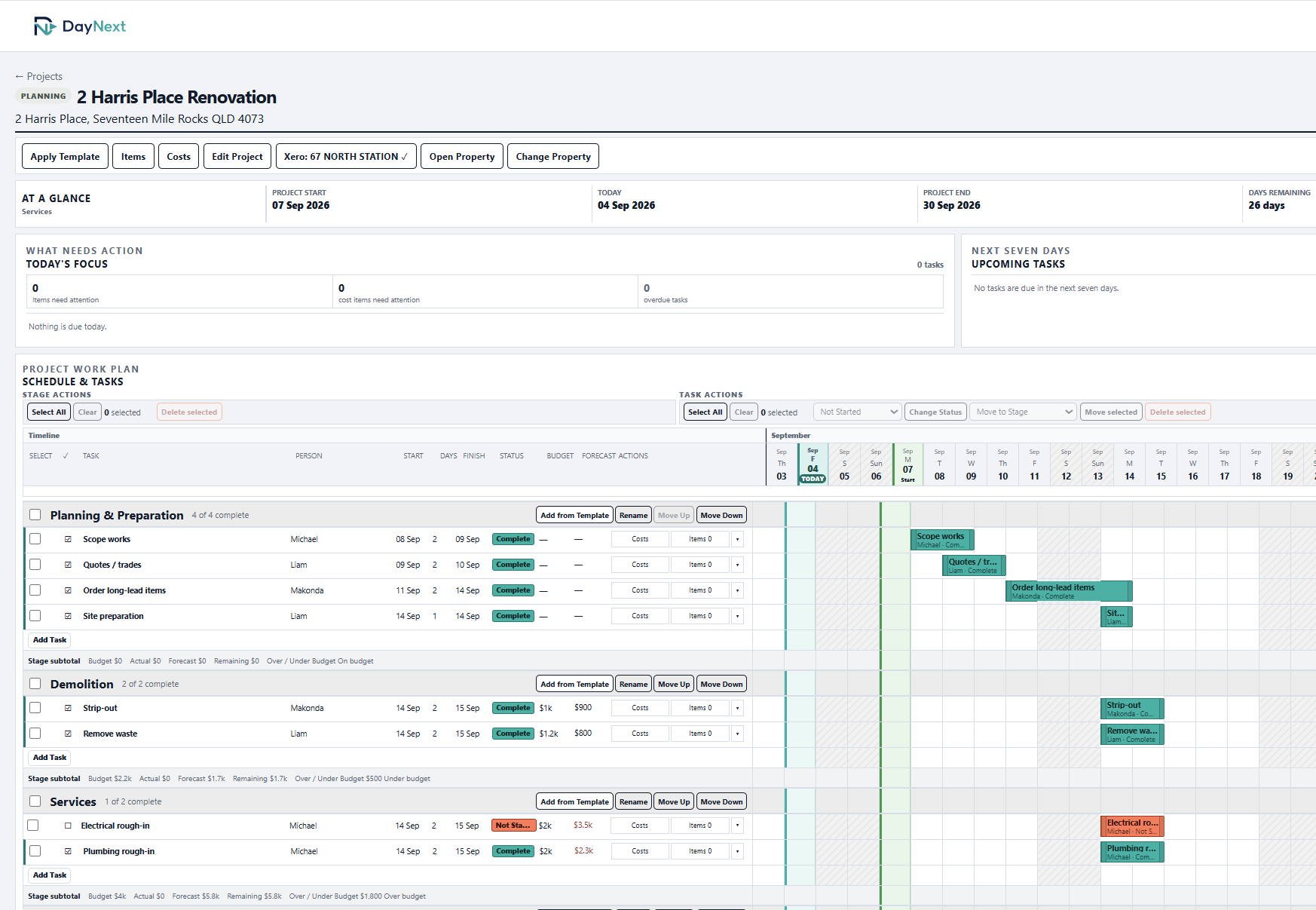
Add Tasks with dates, people, descriptions and linked Items. Move or reorder work as the plan changes.
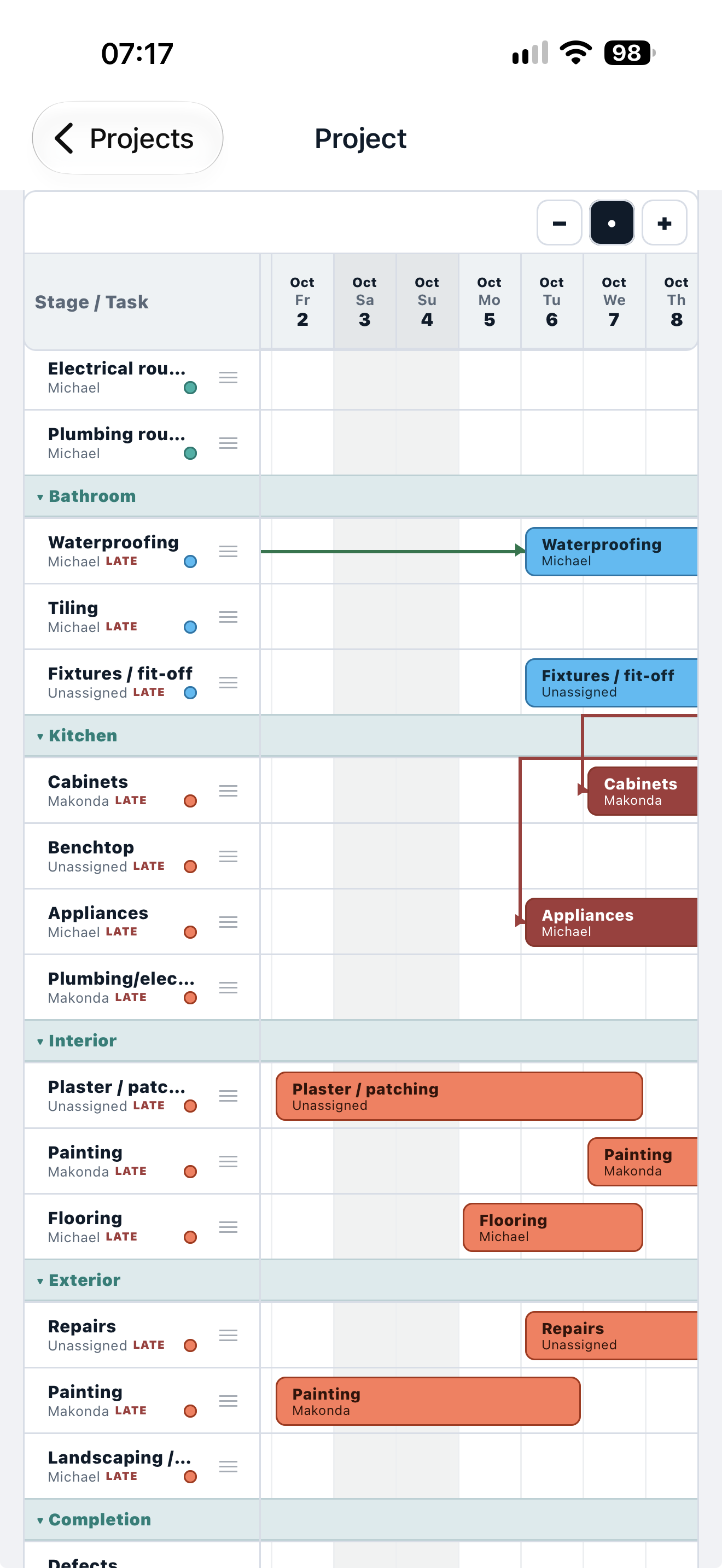
Use the Project timeline, comments and progress view to see what is due and what has been completed.
Project work plan.
In practice
Open a Task to review its dates, assigned person, Items and costs without losing the Project work plan.
Compare a Task's Budget, Actual, Forecast and Remaining in Project Costs; the original budget remains visible.
Yes. Start blank and add Stages and Tasks as needed.
Yes. Items, cost entries and Task dates remain connected to the originating work.
Both plans